
Recently, I demoed working prototypes to two professional services clients: a quoting agent for one, a communication planning agent for the other. I'd built each from our early conversations. Both went well. Both times, the same question came up.
"Can this run in Copilot or do I need to pay for Claude / ChatGPT? We have Microsoft Copilot."
I'd built both prototypes with Claude and Codex, the tools I work fastest in. I hadn't asked where the people using them would run them. For teams on Microsoft 365, that's Copilot.
The good news
Both agents now run in Microsoft 365 Copilot. The quoting agent was calling its tools from Copilot Studio and running in Teams in less than an hour. The communication planning agent was rebuilt for Copilot in a couple of hours. I hadn't realized how easy it was until I did it.
Two pieces made that possible: MCP servers and skills.
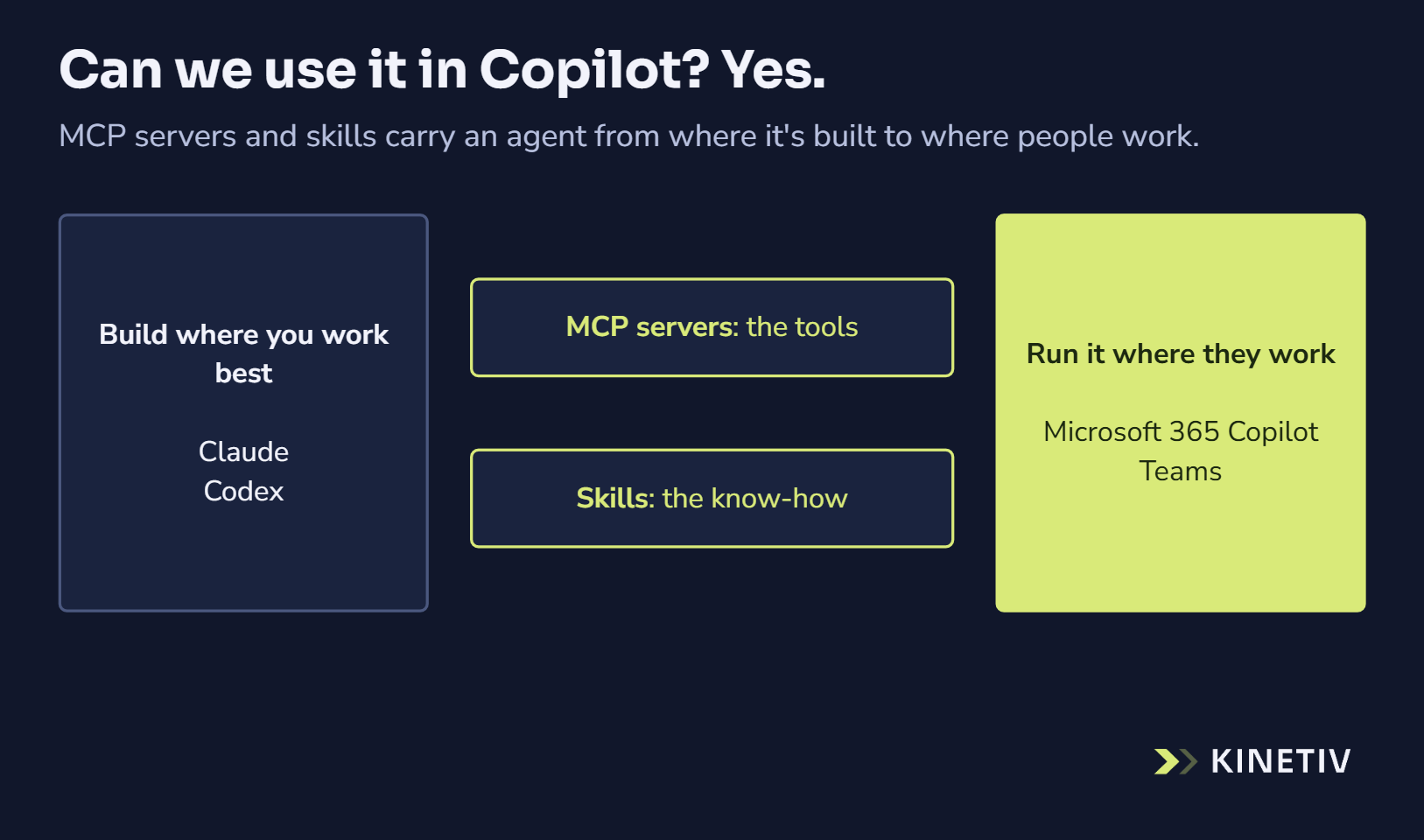
Build where you work best. Run it where they work.
What an MCP server does
MCP (Model Context Protocol) is a shared standard for how an AI agent uses tools, like looking up a customer or creating a quote. The tools live in a small service of their own, an MCP server. When an agent connects, it asks the server what it can do, then calls those tools as the work needs them. The server holds the logins and the business rules, so the chat never has to.
Many tools come with ready-to-connect MCP servers. For these agents, we built our own, custom to each client's work, and that was quick too.
Any AI platform that speaks MCP can use an MCP server, the same way any web browser can open a website. Claude, Codex and Copilot Studio all do. So when an agent moves platforms, its tools come with it. You connect them in the new place instead of starting over.
Skills travel too
A skill is a short file that teaches an agent how to do one job well. Claude Code and Codex package skills into plugins; our own working method runs as one plugin in both. Microsoft 365 Copilot agents take skills too. The communication planning agent runs on four of them.
That made a third agent quick. Another professional services client has all its employees in Copilot, so I knew from the start where its slide creation agent would run. I planned it on a Monday and published it, with a demo video, the next day.
Ask first, then build where you work best
Now I ask "where will people run this?" in the first conversation. Then I build where I work best, with pieces that travel: MCP servers for the tools, skills for the know-how. (More on finding my preferred tool in I Was Doing AI Wrong.)
So when a team asks, "Can we use it in Copilot?", the answer is yes. We build in the tools that move fastest and deliver in the one your team already uses.
Build where you work best. Run it where they work.
If you've built an agent and wonder whether it could run in Copilot, ask Kinetiv.